Step-by-step guide:
- Step 1: Open a document
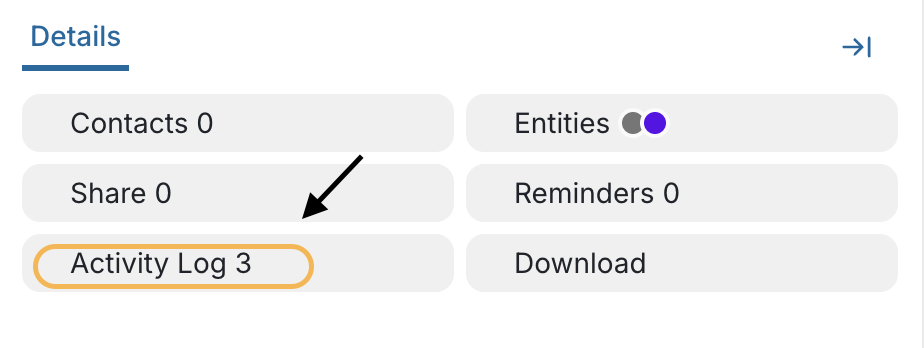
- Step 2: Click in the "Activity Log" button
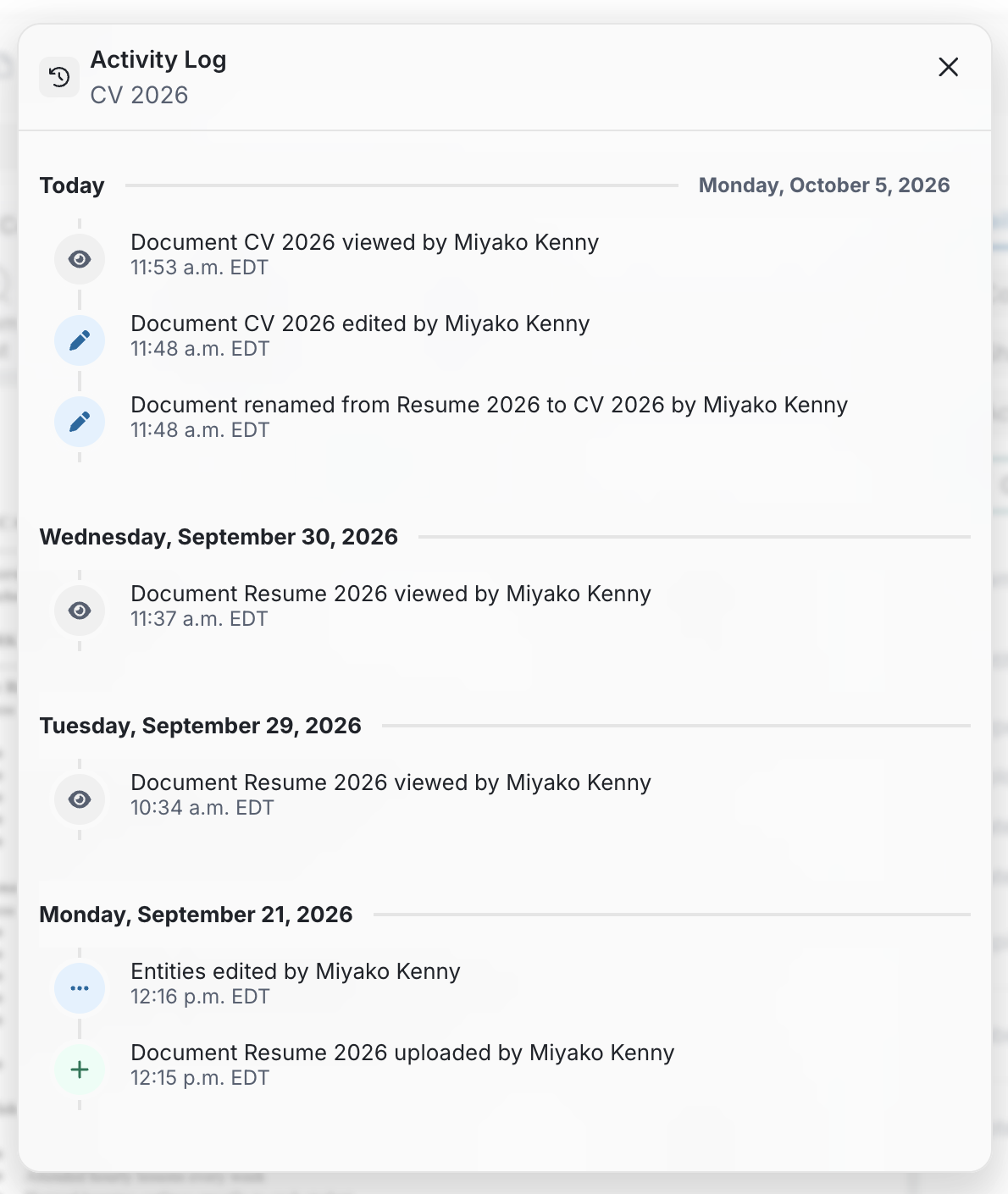
- Step 3: The "Activity Log" of the document will open in a pop-up window
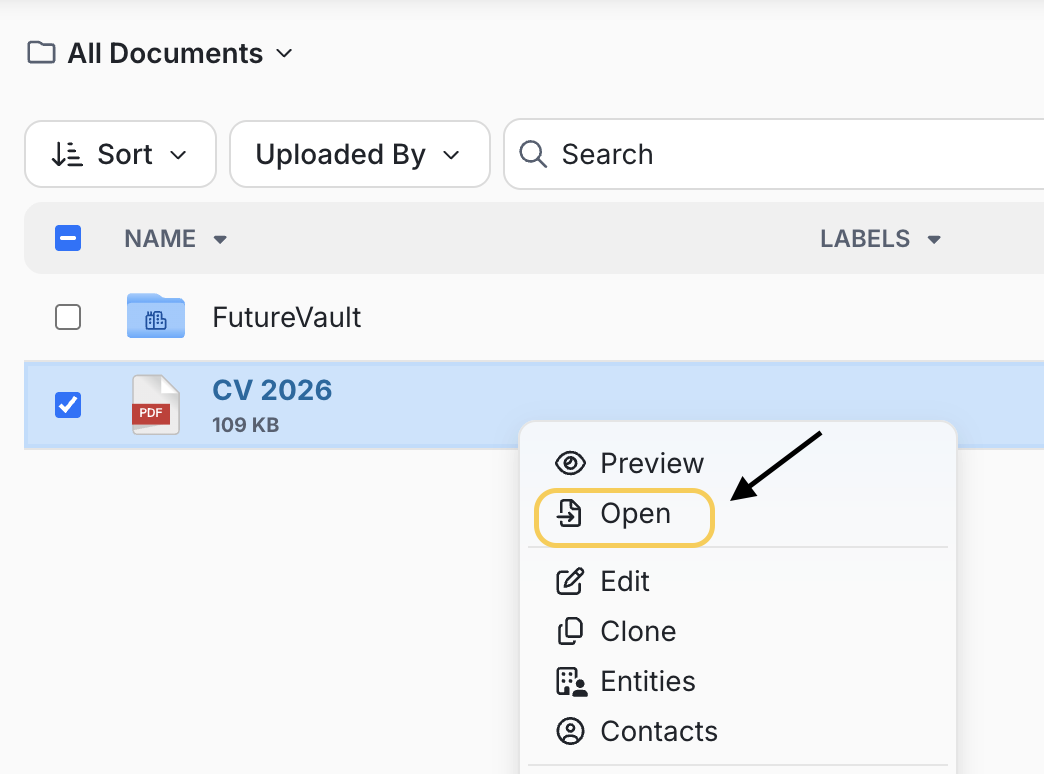
Step 1: Open a document
- Double-click in the document to open it.
- Right-click on document and select "Open".
Step 2: Click in the "Activity Log" button
Step 3: The "History" of the document will open in a pop-up window
- In this section, you will see which user has viewed, shared, downloaded, moved or accessed your document. You will also see when a document has been viewed by those you have shared documents using the “Share” tab.