
Roles: All Roles | Portal Type: All Portals
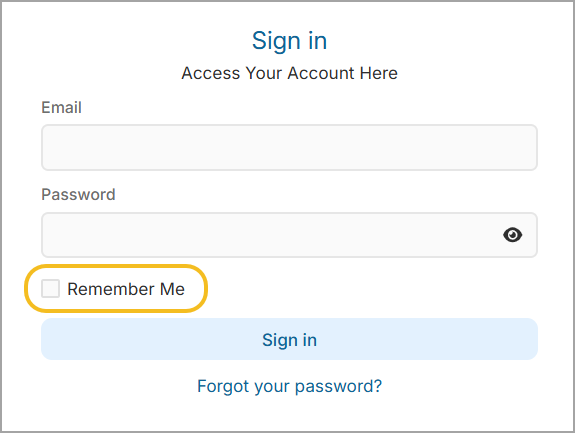
The “Remember Me” option allows you to stay signed in on a trusted device, reducing the need to repeatedly enter your password and Multi-Factor Authentication (MFA) code.
When enabled, your device and browser are recognized, allowing you to access your account without re-authenticating for 30 days.
Before You Start
- This feature applies per device and browser
How It Works
When logging in:
- Enter your email and password
- Select “Remember Me”
- Complete login:
- If MFA is enabled → enter your verification code
- If MFA is not enabled → proceed directly to your account
Once completed:
- You will remain signed in on that device and browser
- You will not be asked to re-enter your password
- If MFA is enabled, you will also not be asked for a verification code during this period
When You’ll Be Asked to Log In Again
You will be required to log in again (and complete MFA if enabled) if:
- You sign out manually
- Your session is terminated or forced to sign out (e.g., security policies or admin action)
- You access your account from a different device or browser
- The 30-day period expires
Important Notes
- This feature only applies to the specific device and browser used during login
- Do not enable this option on shared or public devices
- Your organization’s security settings may override or restrict this feature
- For security purposes, access may still be revoked if unusual activity is detected
Troubleshooting
- I’m still being asked to log in every time
- Ensure “Remember me for 30 days” was selected during login
- Confirm you are using the same browser and device
- I was signed out before 30 days
- Your session may have expired due to inactivity or security rules
- You may have been signed out manually or by an administrator
- You may have cleanned your browser cache and cookies